
Step 2: Running HPC_drug for HREM set-up (local)
HPC_drug is a python middleware conceived to prepare the input setup/enviroment for the computational Step 3 on a HPC facility, consisting in the enhanced sampling of the bound and unbound states using Hamiltonian Replica Exchange (HREM). HPC_Drug requires miniconda. Installation instructions for HPC_Drug are detailed in the documentation at the GitHub repository HPC_drug.
After installation, to use HPC_Drug it is necessary to activate the HPC_Drug environment with:
conda activate HPC_DrugTo run HPC_Drug just type the following command using the input file
hpc_input.txt :
python /HPCDrugINSTALLDIRECTORY/main.py hpc_input.txt
where HPCDrugINSTALLDIRECTORY is the PATH where
HPC_Drug is installed. The
hpc_input.txt contains information about pdb file name
for the complex (in our case
complex_ligand.pdb, see Step
1), path, HREM options, box dimensions, water model, and so
on. According to the HPC_Drug specifications given in the provided
hpc_input.txt, the pdb file complex_ligand.pdb
(generated in Step 1) must reside in the
directory from where the python HPC_Drug is launched.
HPC_Drug will take some time. Once the command has completed its job (typically few minutes),
in the end-user work directory there will be
intermediate
GROMACS files due to optimization and equilibration runs,
force field parameter/topological files of the ligand and the receptor
and two folders. The two folders, named
3clp_HREM and LIG_only_ligand_HREM, one
for the bound and one for the unbound state, contain all the
necessary files to run the HREM simulation on the HPC platform
with GROMACS.
In SI.zip attached to the JCIM note, we provide the two reference folders obtained for the case study PF-07321332 in complex with 3CLpro. These HPC_Drug generated directories can also be found at the Zenodo repository.
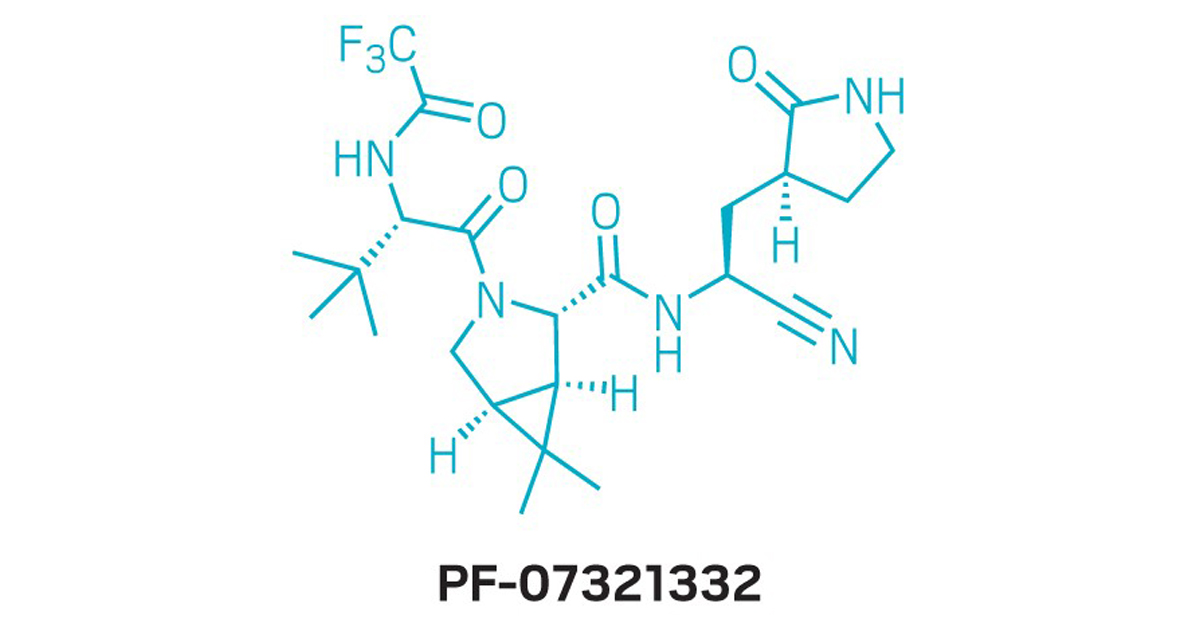
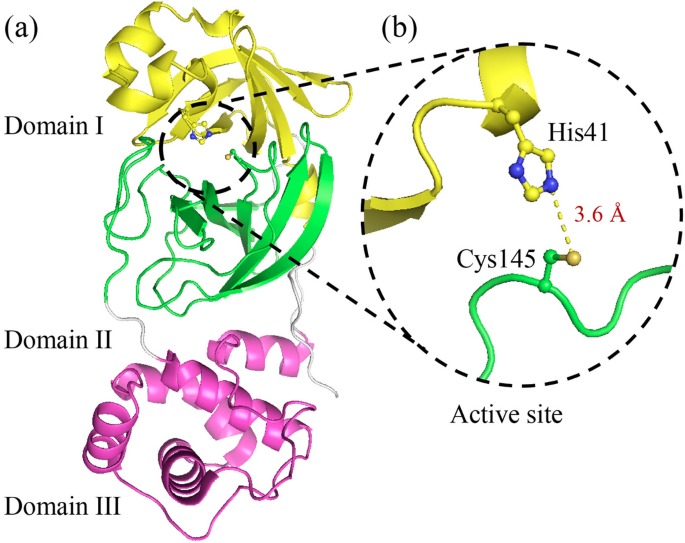
N.B.: In the current release, besides GROMACS
(see GROMACS building instructions)
and PLUMED (see PLUMED building instructions),
HPC_Drug requires PrimaDORAC to generate the ligand
parameterization with the general GAFF2
force field for organic compounds. To install PrimaDORAC, download the
latest version of
the ORAC
code and, after untarring the archive, follow
the ORAC installation
instructions.